

Payroll, HR, & Peace of Mind
Your number one goal is to grow your business. But tasks like payroll processing, tax filing, and maintaining compliance can consume your time—especially when they’re not streamlined. At Asure, we’ve structured our business and our software solutions to make your life easier. From applications to benefits to HR policies and more, our suite of products and integrations have got you covered.
We focus on Payroll & HR so you don’t have to.
Payroll & Beyond
Time Tracking
Gain premium visibility to manage hourly schedules with intuitive web-based software.
Hiring & Onboarding
HR Experts
ERTC Filing
Get the funds you deserve. Claim up to $26K per employee in tax credits.
How do we help you grow?

Access to Capital
Get the funds you need to grow through tax credits and lending options.

Staying Compliant
Access resources to help you keep pace with ever-changing Federal, State, and Local HR laws

Managing Talent
Save time and reduce the complexity of managing your workforce with integrated, efficient systems
Payroll doesn't have to be complicated
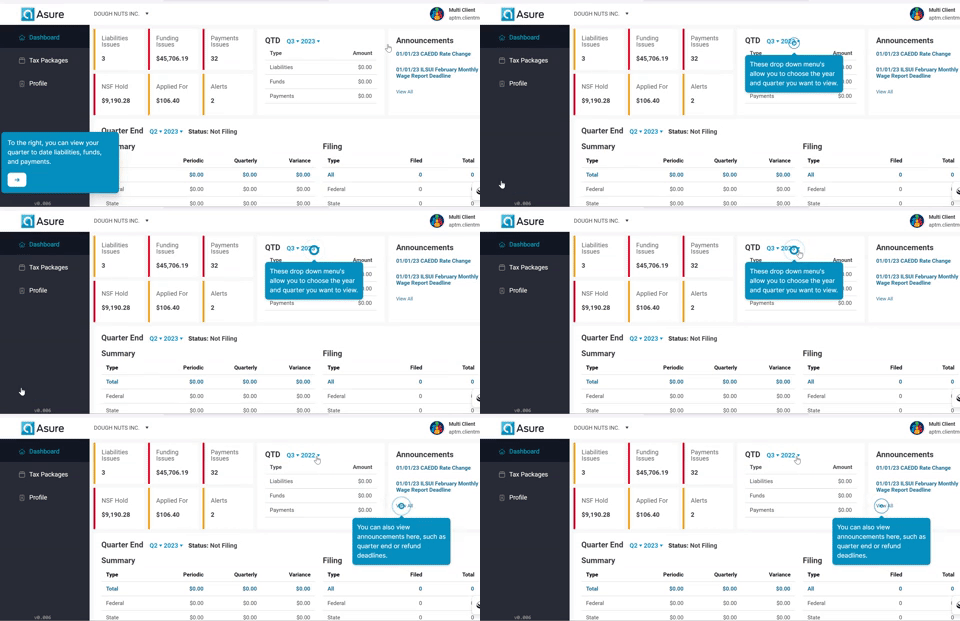
Automate and outsource the complex management of wages, direct deposit, tax codes, and all payroll and tax functions to experts who ensure you remain compliant. With mobile, cloud-based software, and full-service options, Asure can handle both simple and complex payroll needs.
Easy, accurate time tracking
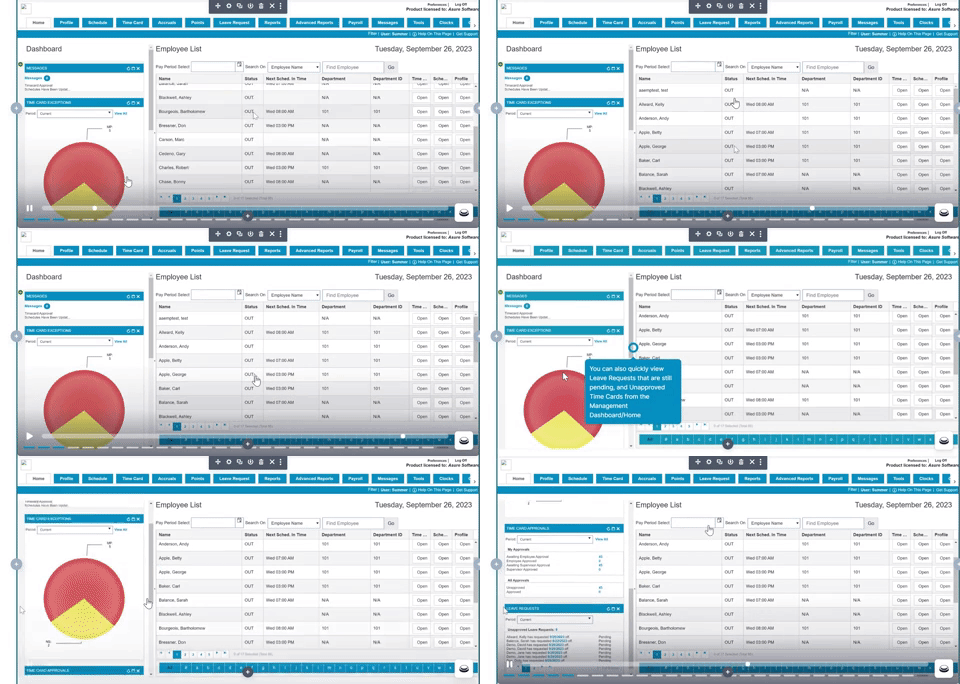
Streamline your time-and-attendance process with technology built for your business. Asure’s Time & Attendance software makes time collection, accruals and scheduling easy with modern tools that are both convenient and compliant.
Unlock your growth potential
Talk with one of our experts to explore how Asure can help you reduce administrative burdens and focus on growth.